How do I pick the right wattage for a laser engraver? Is more watts always better?
Think about how thick materials you’ll cut and how detailed your engravings need to be. Low-watt lasers have tiny tight spots for fine engraving, while high-watt lasers deliver stronger beams to cut thick stock fast.
How do I operate this S6 Pro laser engraver?
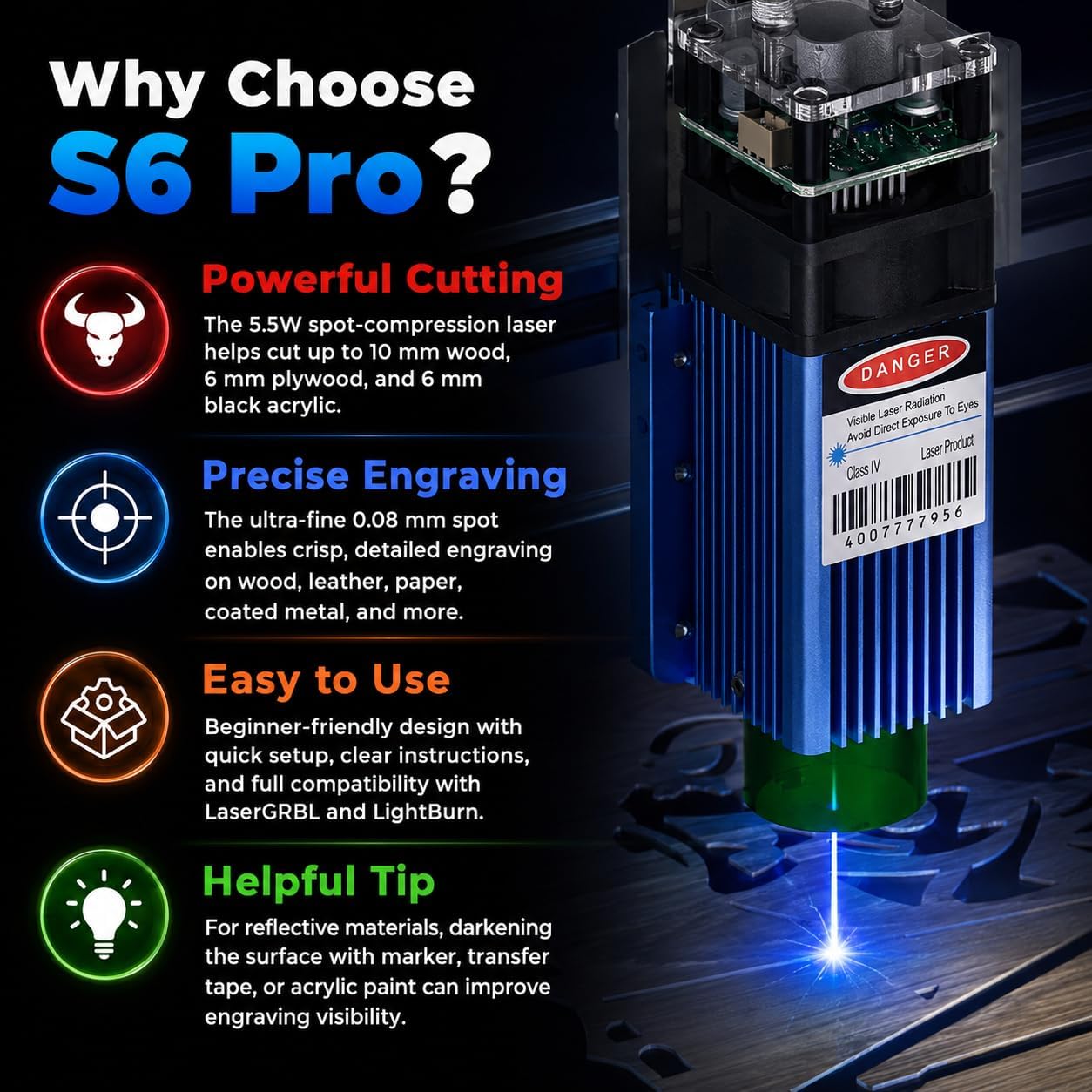
Plug in the power cord and connect the machine up to your laptop. Next, download either LaserGRBL or LightBurn on your computer, then follow the steps in the user manual to make your first engraving project. (MacOS only supports LightBurn)
I downloaded LaserGRBL, but I can’t get it to connect to my S6 Pro. What’s wrong?
Your computer is missing the required driver. You’ll need to download and install the CH340 driver first. Once the installation finishes, LaserGRBL will connect to your S6 Pro without issues.
What do I need to keep in mind when engraving stainless steel, ceramic, or clear acrylic?
These materials reflect laser light easily. I recommend coating their surface with a dark marker before engraving. This helps the material absorb the laser fully, leaving crisp, visible engraving marks.
Can I buy a separate 20W laser module to swap out the original one?
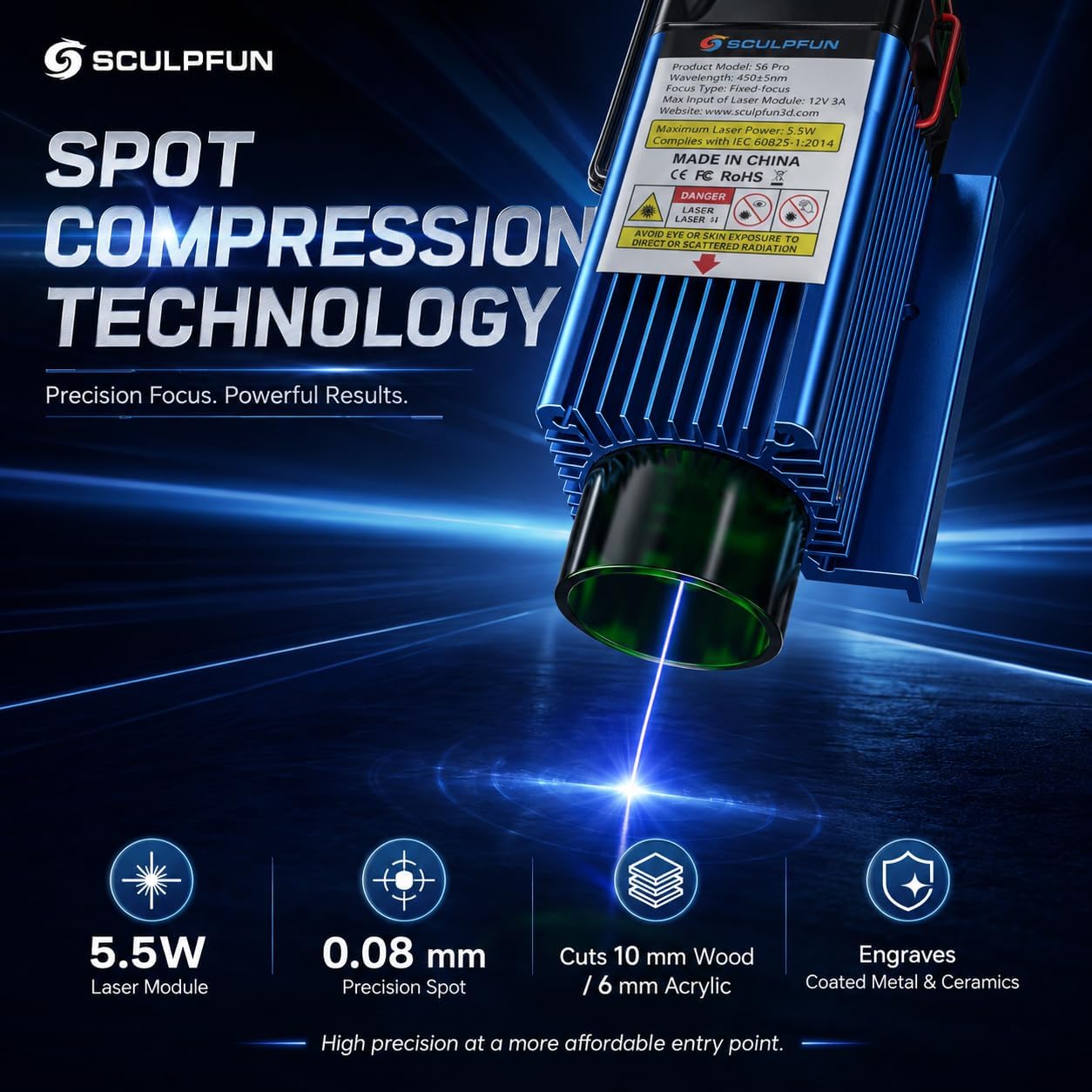
Absolutely! You can directly replace the stock 5.5W laser module on your S6 Pro with the 20W version. The S6 Pro works with all accessories, including rotary rollers, honeycomb working table, air assist pumps and more.


Product description
S6 Pro Laser Engraving Machine
We are specialized in CNC router. Bringing you the fun of sculpting is the goal we pursue, so means “SCULPT YOUR FUN”.
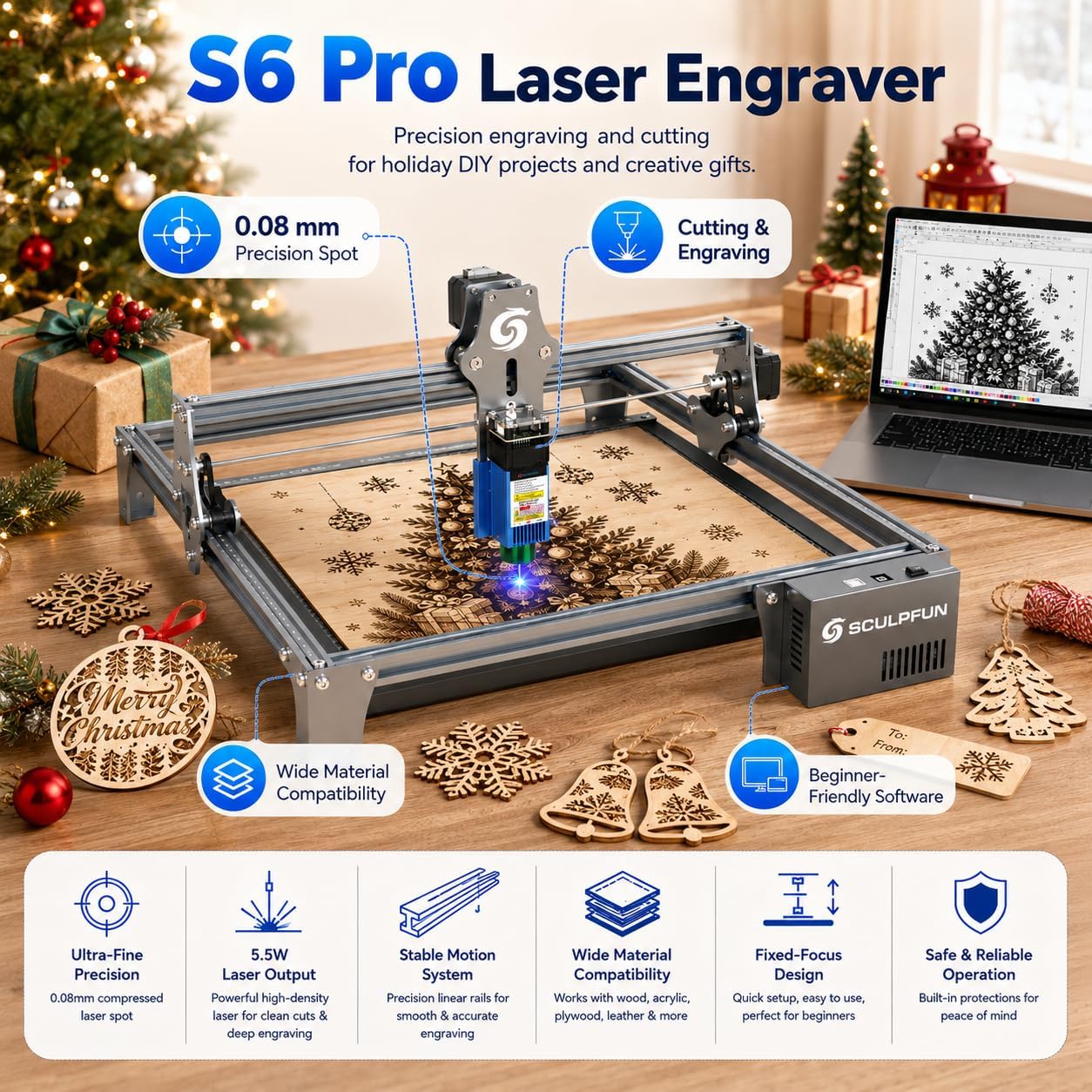
High accuracy engraving - satisfying your design needs for engraving patterns, logos, and text on materials.
Powerful deeper cutting - good for making puzzles, wallpaper, decorations, etc, which satisfies your DIY needs.


From the brand